How to Use Moniturbate – Step 3 of 3
Step 3: Access and Manage Your HD Video Files
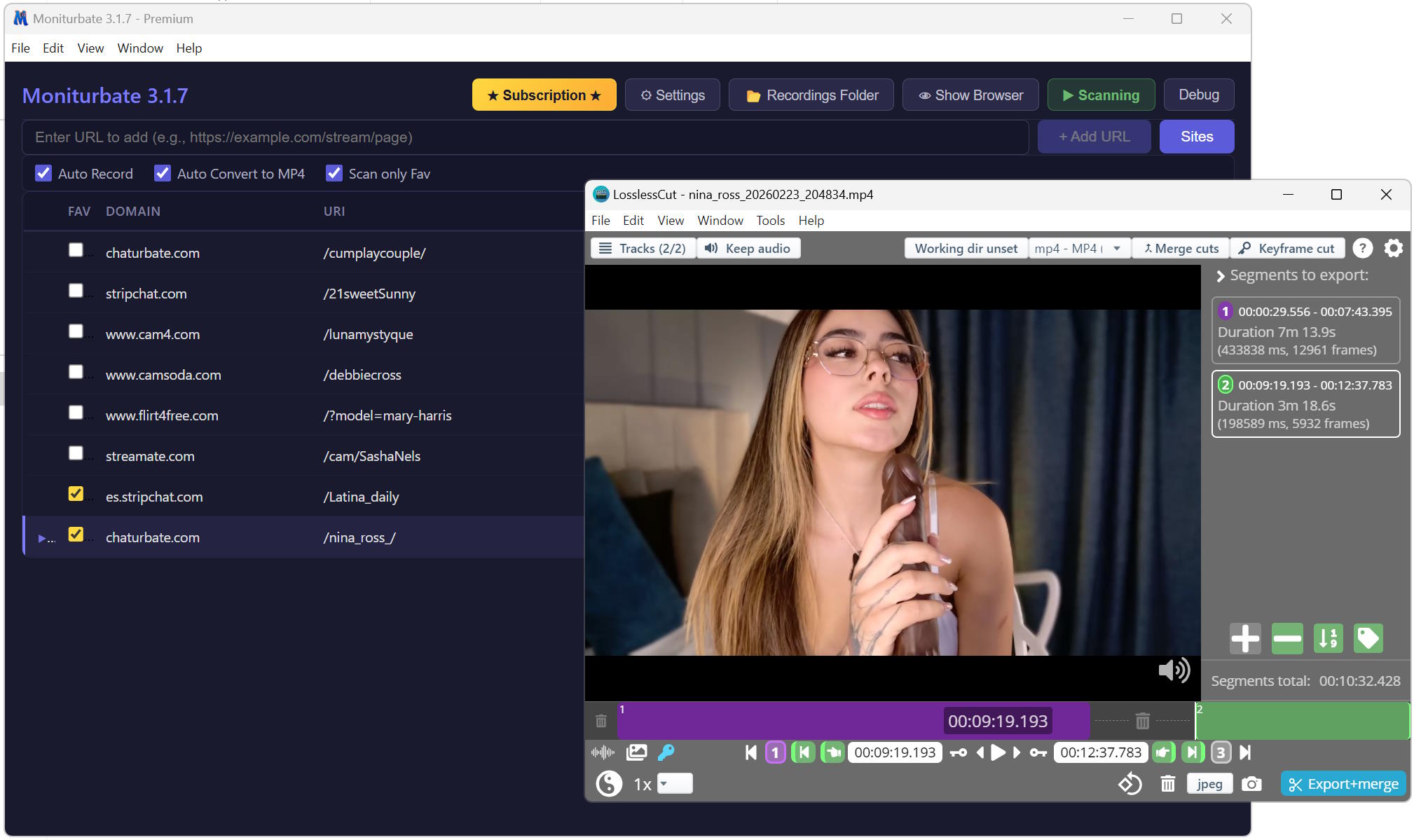
After your recordings are complete, all video files are stored in your designated download folder, ready to watch at any time.
Using the Built-in Recordings Explorer
Click the "Downloads" tab inside the software (top-left corner) to access a powerful recordings manager. From here you can:
- Browse & Filter – Search your recordings by broadcaster name and sort by creation date.
- Play Videos – Preview any recording directly within the software.
- Trim & Extract – Select a specific time range, extract it as a separate clip, and compress it to MP4 for efficient storage.
Build your personal collection, keep only the best moments, and enjoy your favorite shows forever. Moniturbate puts you in complete control of your recordings.